> ## Documentation Index
> Fetch the complete documentation index at: https://duxweb-22.mintlify.site/llms.txt
> Use this file to discover all available pages before exploring further.

# 介绍

> DuxCMS Next 内容管理系统是一款基于 PHP & React 的简单、易用的基础系统。
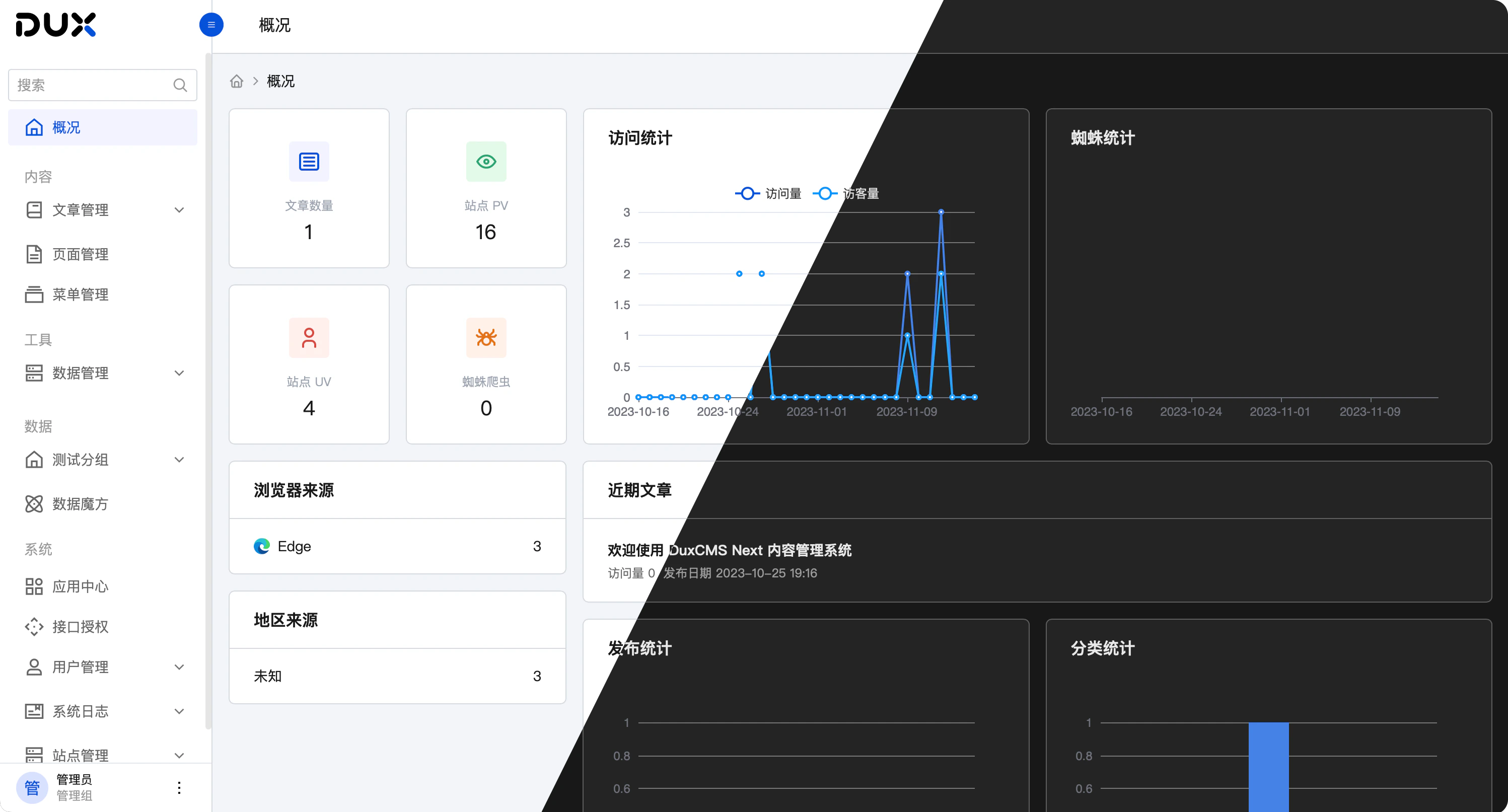
<img className="block dark:hidden" src="https://mintcdn.com/duxweb-22/r8VL-vh35rUyb1OD/images/hero.png?fit=max&auto=format&n=r8VL-vh35rUyb1OD&q=85&s=60506841dfb7cd0ad2a7e48455875c1f" alt="Hero Light" width="2995" height="1613" data-path="images/hero.png" />

<img className="hidden dark:block" src="https://mintcdn.com/duxweb-22/r8VL-vh35rUyb1OD/images/hero.png?fit=max&auto=format&n=r8VL-vh35rUyb1OD&q=85&s=60506841dfb7cd0ad2a7e48455875c1f" alt="Hero Dark" width="2995" height="1613" data-path="images/hero.png" />

## 运行环境

使用该程序首先需要设置运行环境

<CardGroup cols={2}>
  <Card title="开发环境" icon="dev" href="/guide/quickstart">
    在本地开发环境运行该系统
  </Card>

  <Card title="线上环境" icon="server" href="/guide/development">
    本地调试完毕后在线上服务器运行该系统
  </Card>
</CardGroup>

## 开始使用

根据您的使用需求来放心大胆的使用该系统为您提供的功能

<CardGroup cols={2}>
  <Card title="发布文章" icon="stars" href="/use/article">
    第一次使用，来尝试发布您的第一篇文章内容
  </Card>

  <Card title="配置系统" icon="screwdriver-wrench" href="/guide/quickstart">
    根据使用环境配置您的系统，满足您使用操作需求
  </Card>

  <Card title="自定义模板" icon="palette" href="/label/introduction">
    使用 PHP 模板引擎来开发属于您自己的 Web 站点模板
  </Card>

  <Card title="Api 接口" icon="code" href="/api/introduction">
    查看并对接 Api 接口，可无缝对接您的小程序、App等前端应用
  </Card>
</CardGroup>
